· LeazeHub Team · Property Management · 3 min read
How Small Landlords Can Use Document Storage and Sharing to Streamline Management
Small landlords can simplify rental property management by using digital document storage and sharing systems. This article explains practical ways to organize leases, tenant records, and maintenance documents digitally to save time, reduce clutter, and improve accessibility.

Why Digital Document Storage Matters for Small Landlords
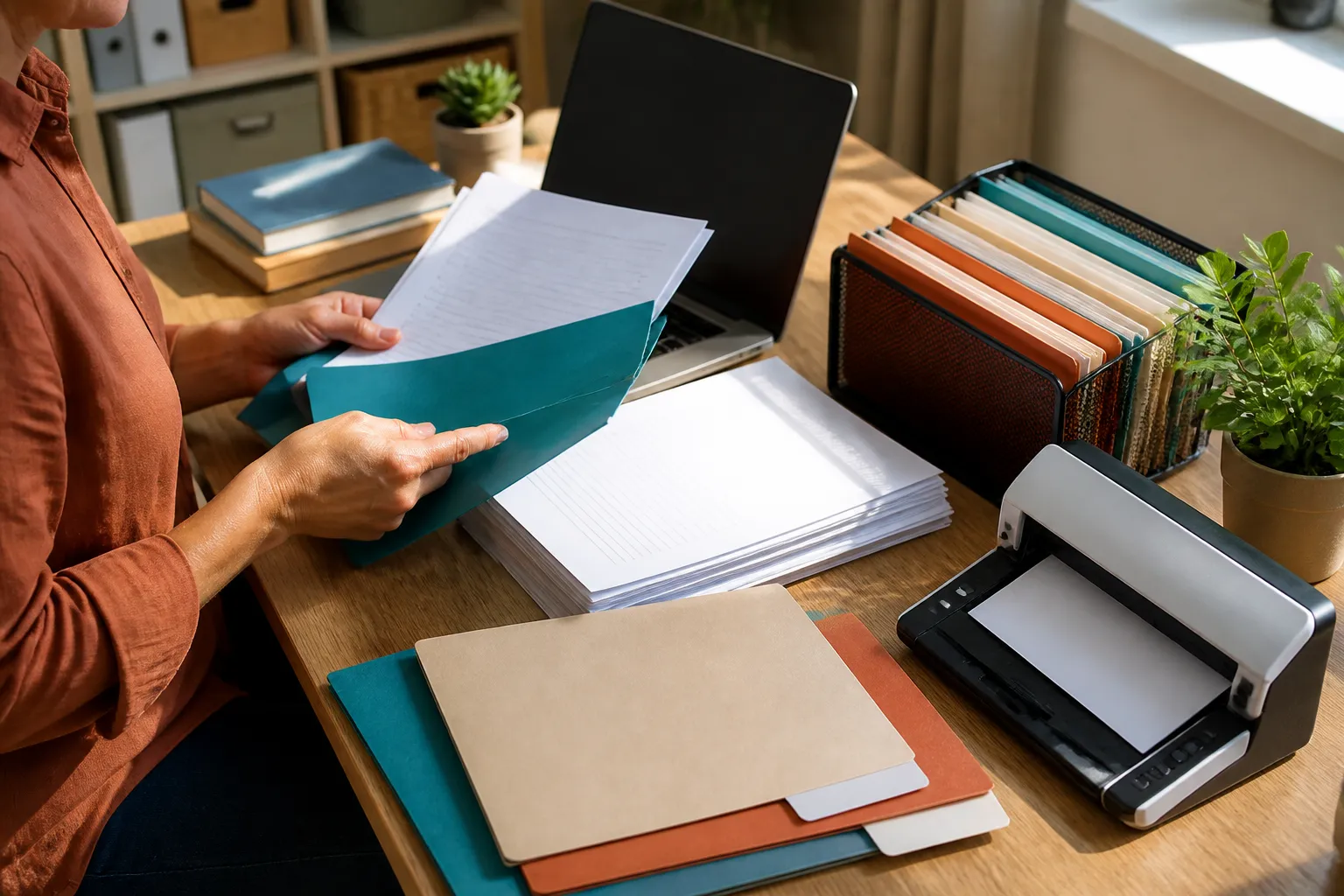
Managing rental property paperwork manually often leads to lost files, disorganization, and wasted time. Paper leases, printed maintenance reports, and scattered email attachments can create chaos when you need quick access.
Digital document storage and sharing features help small landlords consolidate all property-related files in one accessible, organized system. This saves time by allowing you to search and retrieve documents quickly and share important records with tenants or maintenance vendors without physical meetings.
Setting Up an Organized Digital Folder Structure
Start by creating a consistent folder system that mirrors your property and tenant setup. For example:
- Properties Folder: Create one folder per property address or complex name.
- Units Subfolder: Inside each property folder, have subfolders for each unit number or tenant.
- Categories: Within the unit folders, separate documents into categories such as leases, tenant communication, maintenance records, and financial documents.
This hierarchy keeps everything compartmentalized so you can quickly drill down to the needed document.
Best Practices For File Naming
Use clear, concise file names to make searching and sorting easier. Include details like:
- Tenant name or initials
- Document type (Lease, Payment, Maintenance)
- Date in YYYY-MM-DD format
Example: Smith_J_Lease_2023-06-01.pdf or Unit5_MaintenanceReport_2024-03-12.pdf
Consistent naming reduces confusion and ensures your files stay in logical order.
Sharing Documents Securely with Tenants and Vendors
When tenants request copies of their lease or maintenance receipts, instead of printing and mailing, you can share files directly through an enabled platform or encrypted email. Many software solutions allow permissions so you control who sees what.
For example,
- Share lease agreements via password-protected links.
- Upload invoices or maintenance reports tenants can view anytime.
- Grant vendors access to specific work order documents for transparency.
Secure sharing protects sensitive tenant data and keeps communication clear.
Practical Landlord Example
Jessica owns three rental units in a city. She sets up a folder named “123 Main St.” Within it, she creates subfolders for Unit 1, Unit 2, and Unit 3. Each unit folder contains four labeled subfolders: Leases, Tenant Communications, Maintenance, and Expenses.
When signing a new lease, she scans the signed document and saves it as Johnson_A_Lease_2024-05-01.pdf under the appropriate unit’s Leases folder. When a tenant submits an email about a leaky faucet, she saves that email as Johnson_A_Maint_Request_2024-06-15.pdf in Maintenance.
If a contractor completes a job, Jessica uploads the invoice and work order to the Maintenance folder and shares it with the tenant to confirm the repair timeline.
Jessica’s organized digital system means no time lost searching for past emails or paper leases during tenant turnover or accounting.
Starting Without Complex Software
You don’t need pricey software to get started. Even basic cloud storage options like Google Drive, Dropbox, or OneDrive provide folder sharing and file organization capabilities.
Just remember to:
- Use strong passwords
- Enable two-factor authentication
- Avoid sharing folders publicly
As your rental portfolio grows, consider upgrading to software with built-in document management designed specifically for landlords.
Additional Resources
- TenantCloud explains managing documents within their free property management software TenantCloud
- Avail offers free property management tools including document storage Avail
Using document storage and sharing features reduces landlord paperwork stress, improves tenant service, and helps keep rental operations running smoothly.
LeazeHub feature
LeazeHub includes Document storage and sharing. View this feature.